The Guava–Elation integration extends the capabilities of your Elation EHR by providing a structured, easy way to access and analyze longitudinal patient data. Rather than introducing a parallel system or increasing documentation burdens, Guava offers an engaging patient-facing layer that enriches your clinical records with real-world data from things like wearables and external records.
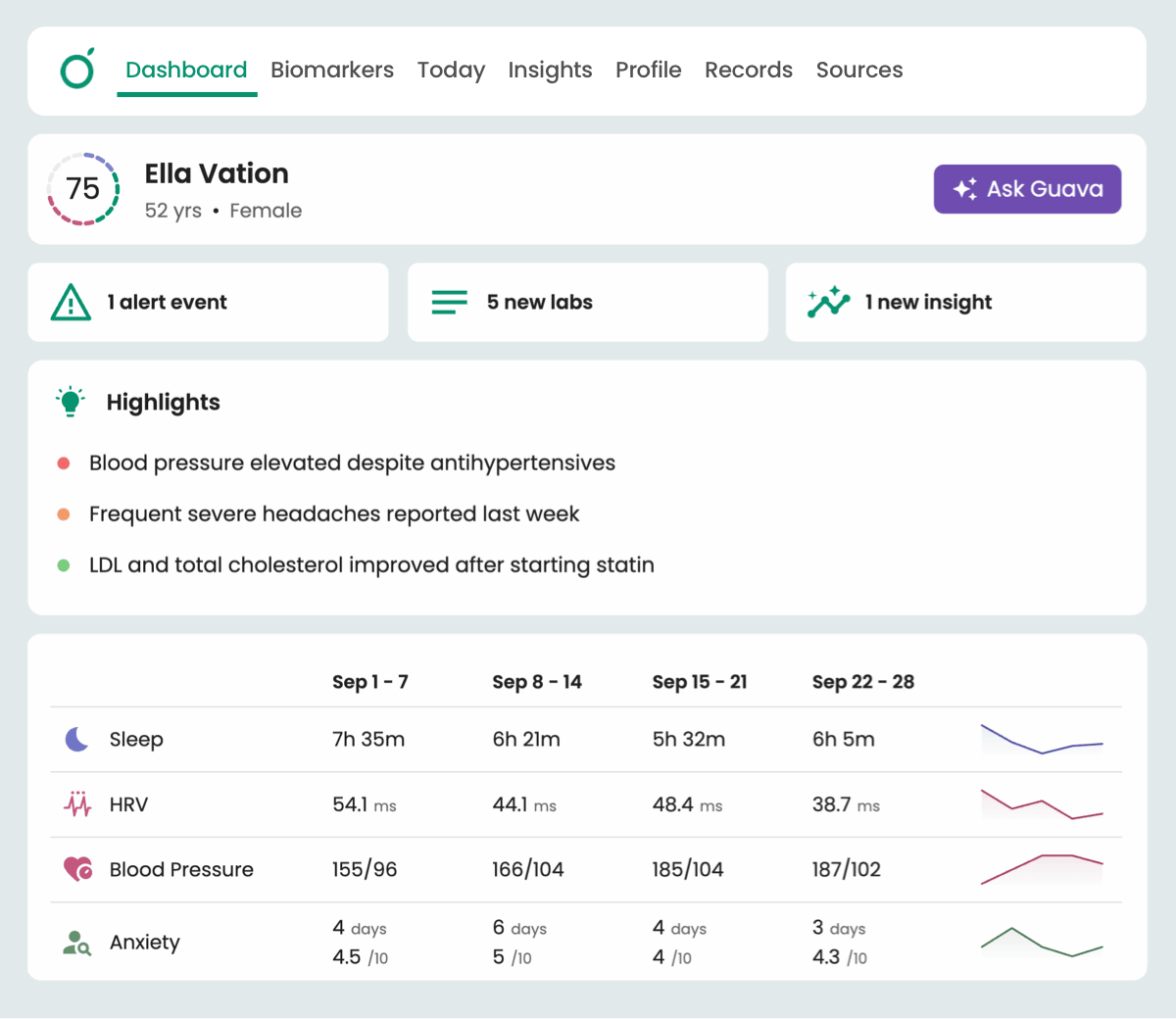
For clinicians, this results in a more comprehensive view of patient health between visits and over time. For patients, this results in a higher-quality experience, allowing them easy access to their health data, all in one place.
Optimizing Patient Engagement and Management
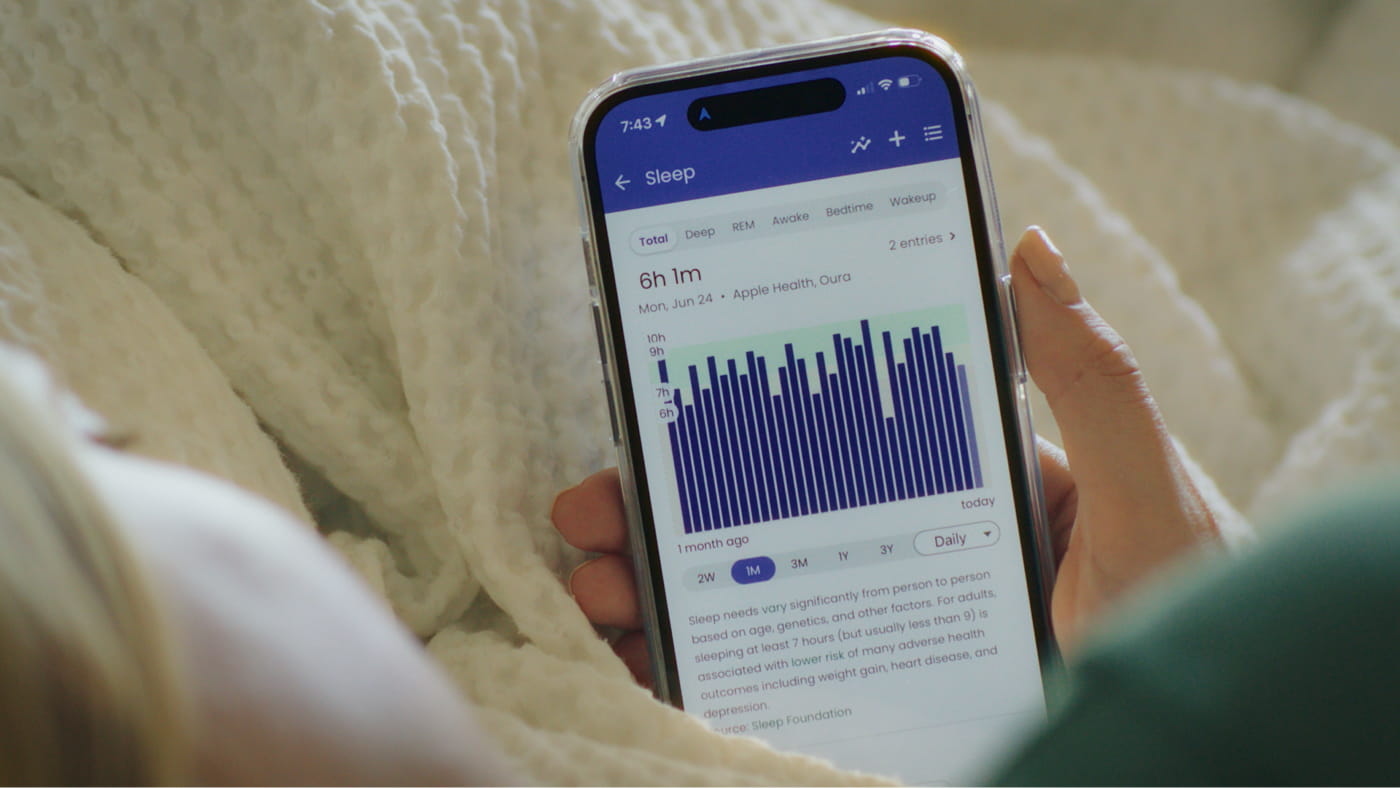
Many Elation providers utilize Guava as their primary patient-facing platform to enhance ongoing engagement. Because patients use the Guava app to track symptoms, sync wearable data, see organized records with context, and create summaries ahead of appointments, you can reduce the time spent reconstructing medical history during visits.
"Guava has fully become the client portal for all of our folks, who are all in Elation…and so far, people love it. And they're not just getting labs and going, ‘well, what does this mean? And how do I interpret this?’ They actually have the clinical context. It's a really great workflow."
- Mike Stone, MD, Founder & Lead Physician at Pillars Health
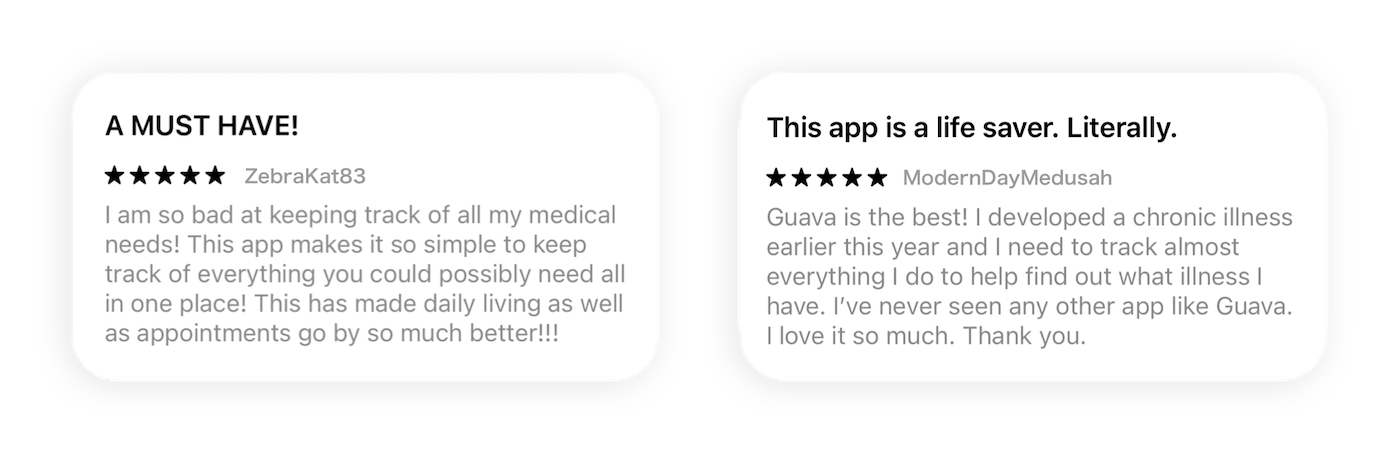
The Guava app is a highly-rated platform for patients that was built for user-friendliness without sacrificing capability. The Provider Dashboard allows you to offer a more engaging and comprehensive care experience for your patients by bringing you into the loop on their health between visits.
Seamless Data Import from Elation
Patient records can be imported from Elation into Guava without altering your existing EHR workflow. While Elation can remain your system of record, Guava acts as a structured extension for data gathered outside of the clinical visit.
Core clinical data flows automatically from Elation to Guava to preserve continuity of care, including:
- Lab results
- Visit notes
- Uploaded PDFs and images
- Conditions and encounter history
- Medications
- Vitals
This integration allows clinicians and patients to view and contribute to an accurate reflection of the medical record, eliminating the need for manual re-entry or fragmented data sharing.
It's important to note that this integration is currently a one-way sync: while core clinical data flows from Elation to Guava, Guava does not write data back to your Elation records.
Enriched Clinical Insights Through Data Layering
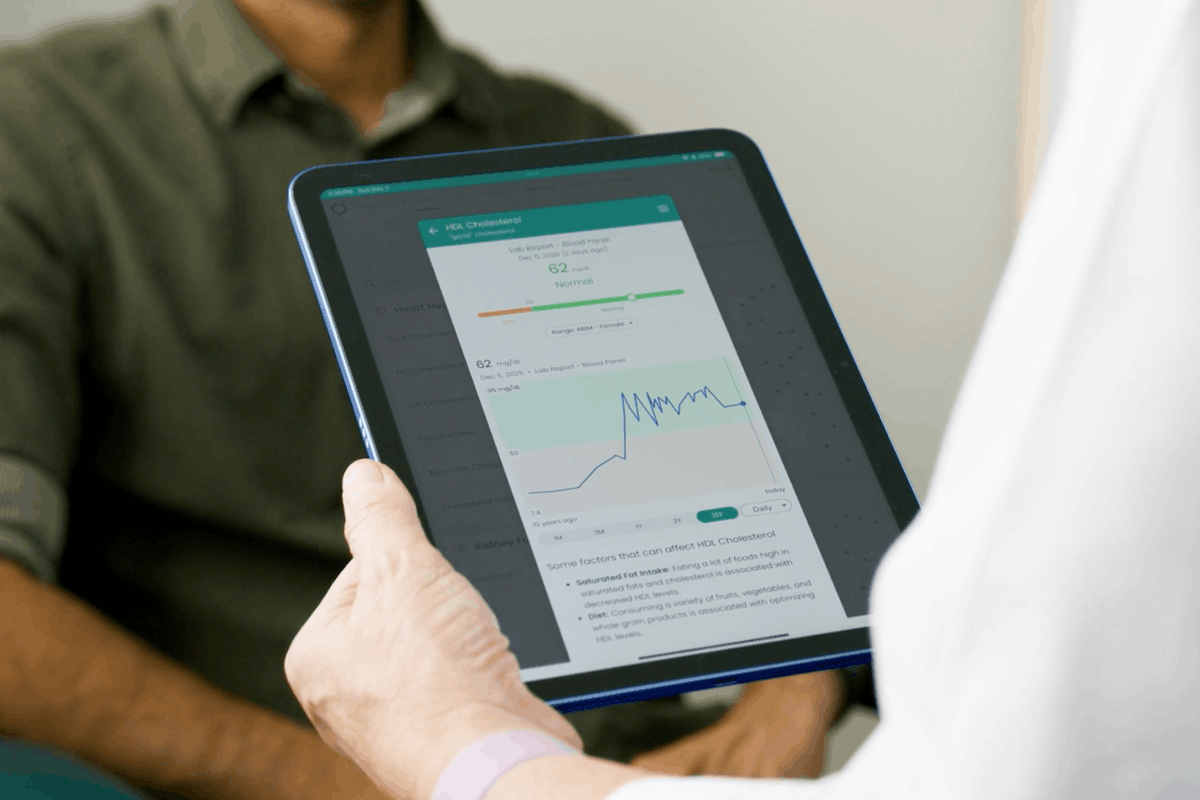
Once Elation data is imported, Guava adds value to your practice by immediately parsing, structuring, and analyzing Elation data. Instead of leaving lab results embedded in scanned documents or PDFs, Guava extracts discrete data points and converts them into structured values that can be trended over time.
Additionally, Guava layers in patient-generated health data, such as:
- Device data such as sleep, steps, HRV, activity, glucose, and more from wearables and remote patient monitoring tools
- Symptom frequency and severity
- Medication and supplement usage
- Nutrition and weight logs
By combining historical clinical records with real-time trends, Guava helps surface patterns that are often difficult to capture in episodic visits. This is particularly useful for patients focused on maintaining or improving long-term health, where establishing baselines and spotting changes over time matters.
- Mike Stone, MD
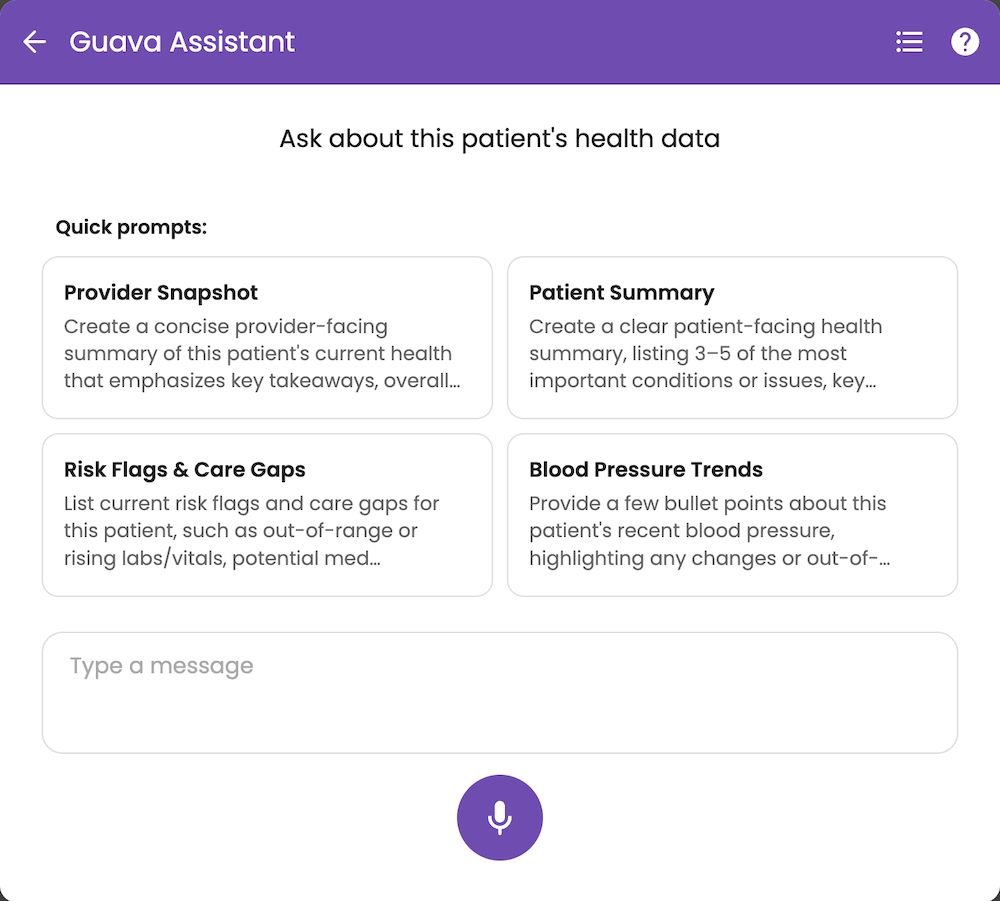
Learn more about how Guava's integration with Elation streamlines provider workflows with key features. Read the full Guava article here and check out Guava and Elation's partnership page here.
Key Benefits for Your Practice
- Identify trends easily: Spot changes in patient health over time with clear, organized data.
- Improve patient engagement: Offer a high-quality tool that helps patients actively participate in their own health journey.
- Have more focused conversations: Start consultations with precise, patient-generated data instead of relying on patient recall.
- Ensure better continuity of care: Stay connected to your patients' health between appointments through Guava’s user-friendly app.
Simple Setup, Immediate Impact
Getting started requires no technical overhead on your side and takes just a few minutes. Once the Elation integration is live, you’ll be able to import your patients from Elation, and their records will sync to Guava automatically.
Patients can access their records and begin syncing devices immediately, providing you with more structured context without lengthy onboarding or workflow changes. The integration is designed so that after the first sync, patient communication becomes more precise, and longitudinal data is easier to reference and interpret.
Check out this guide for patients on getting started on Guava through their provider.
The Bottom Line
Together, Guava and Elation support a complete view of patient health without adding complexity to clinical workflows. By pairing Elation’s clinical record with Guava’s patient-driven data and longitudinal insights, you gain clearer context, patients arrive better prepared, and care decisions are grounded in a fuller picture of health over time.
Contact us to schedule a demo or sign up here to get started for free.