
When introducing your patients to Guava, it’s important to start off simple. Not every patient needs to use everything, and a focused introduction helps them get comfortable faster. For this reason, we recommend starting with the features they'll find most immediately helpful. In this quick guide, we'll walk through a few key features that help patients get the most out of Guava from day one.
Viewing Labs & Results
Patients can access their lab results and trends directly in the app, helping them better understand their baseline and trends. They can also see lab data from your practice, other medical institutions, and patient portals by connecting them to Guava. For commonly tested labs, Guava also provides standard reference ranges and patient-friendly descriptions to give them more context for their data.
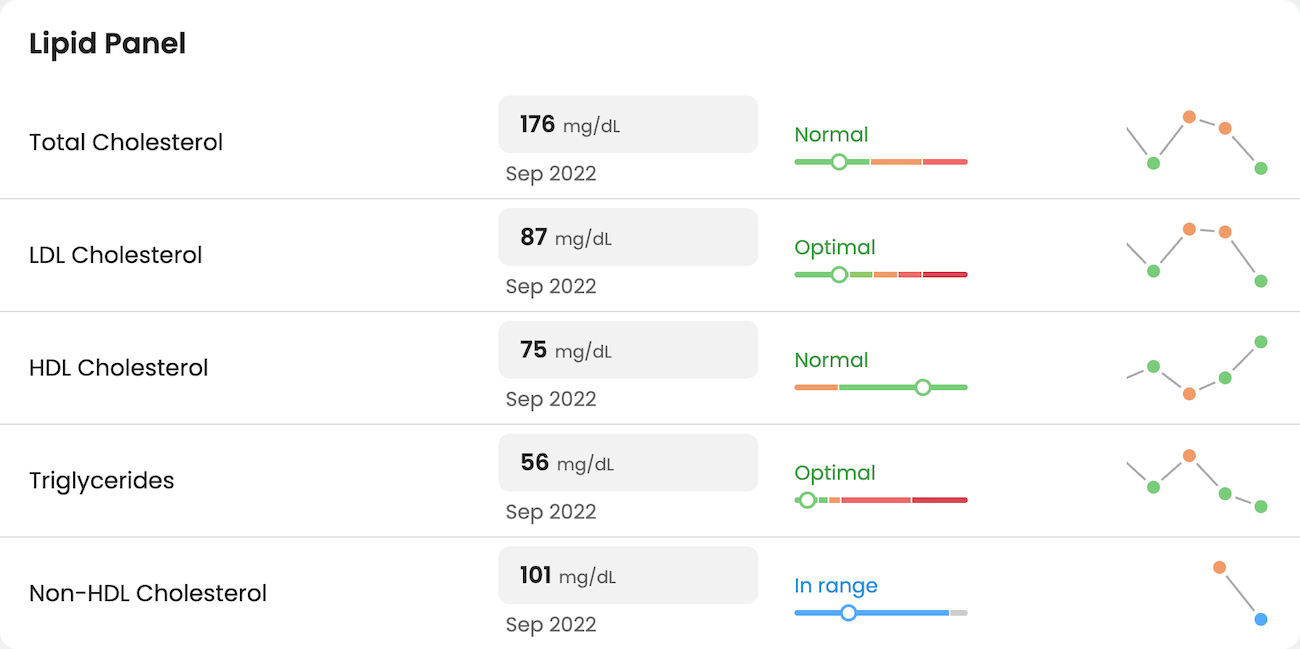
Tip: You can personalize your patients’ biomarker experience by customizing their reference ranges, result interpretations, and lab descriptions.
Ask Guava AI
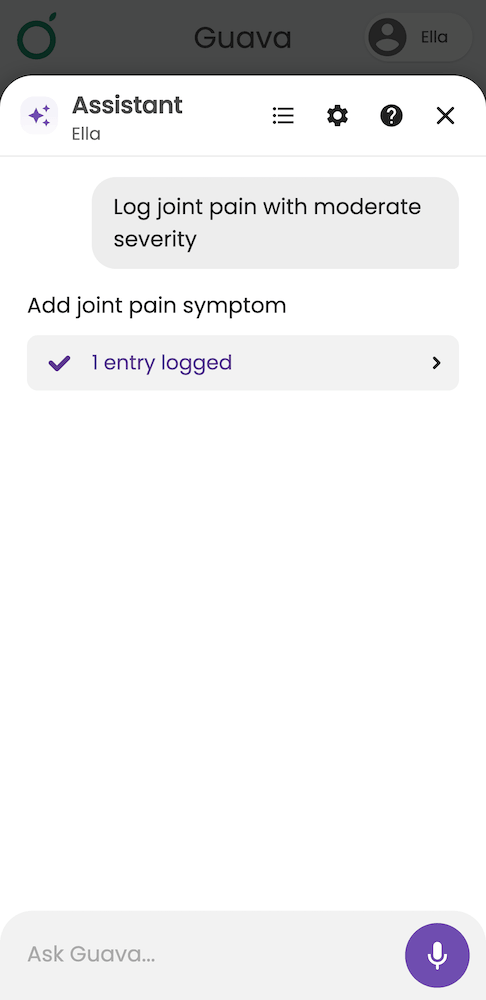
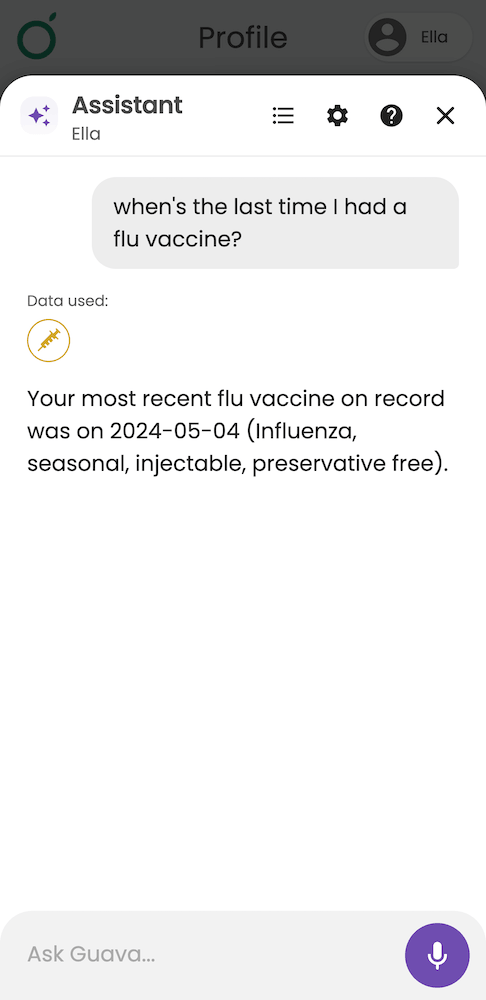
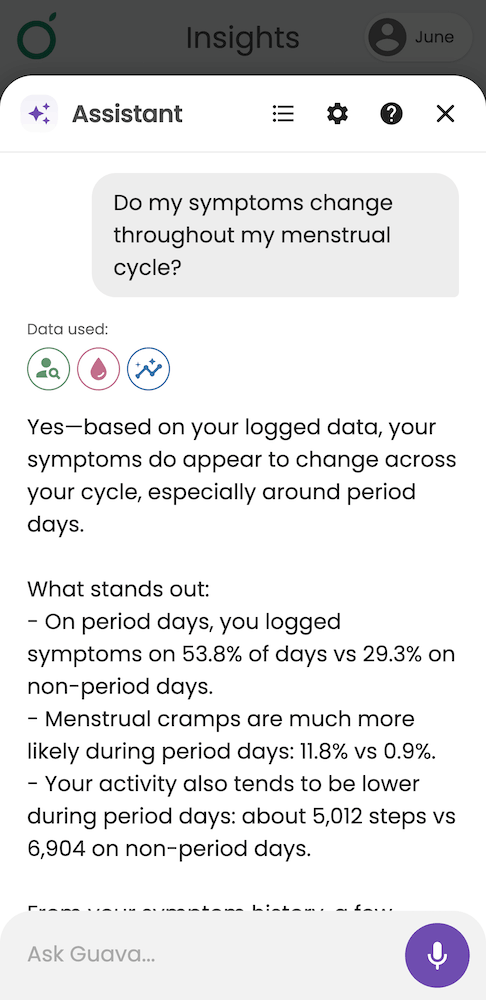
Patients get unlimited use of Guava’s AI Assistant through your organization. Ask Guava AI is a secure AI-enabled chat interface that provides access to their full medical history and complete health data in Guava. This gives answers more context by grounding them in the patient’s health data in Guava. In addition to asking about their health data, patients can add entries from their day using their voice and ask for help in the Guava app.
Health Scores
Your practice can personalize health scores to help patients quickly understand their overall health status. This is a great way to keep patients engaged and to quantify patient progress.
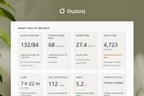
If you haven’t made any health scores yet, they’ll still see Guava’s Preventive Health Score. This default score evaluates key preventive health indicators, such as overdue screenings, vital signs, and lifestyle factors, to give patients a starting point for understanding their overall healths. The following is an example of a custom health score.
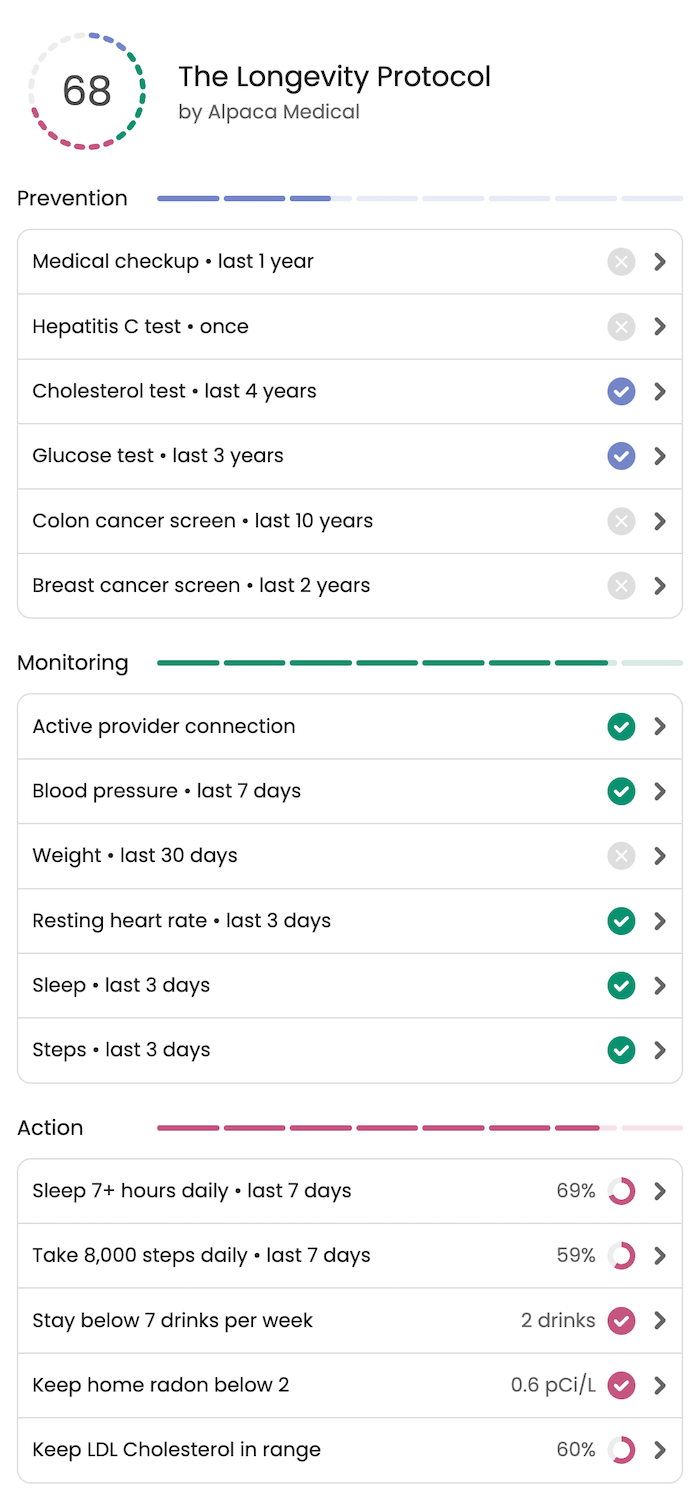
Health score items are automatically completed using data pulled from integrations with patient portals, uploaded documents, and wearable devices. This means you and your patients don’t have to manually complete items for their score to be up to date and accurate.
Wearable Device Data in One Place
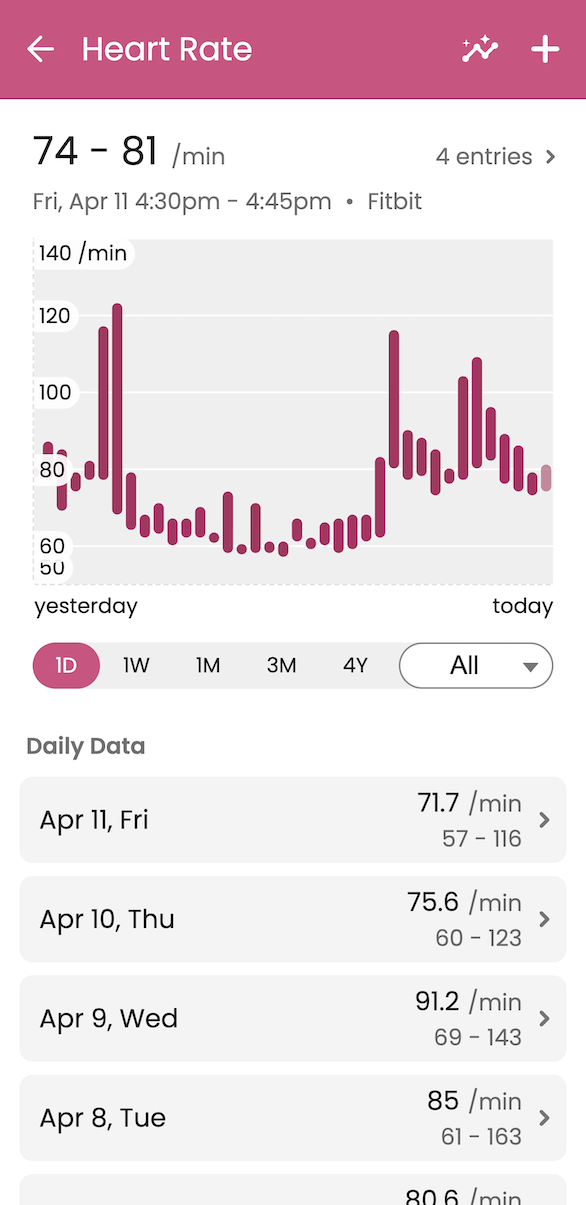
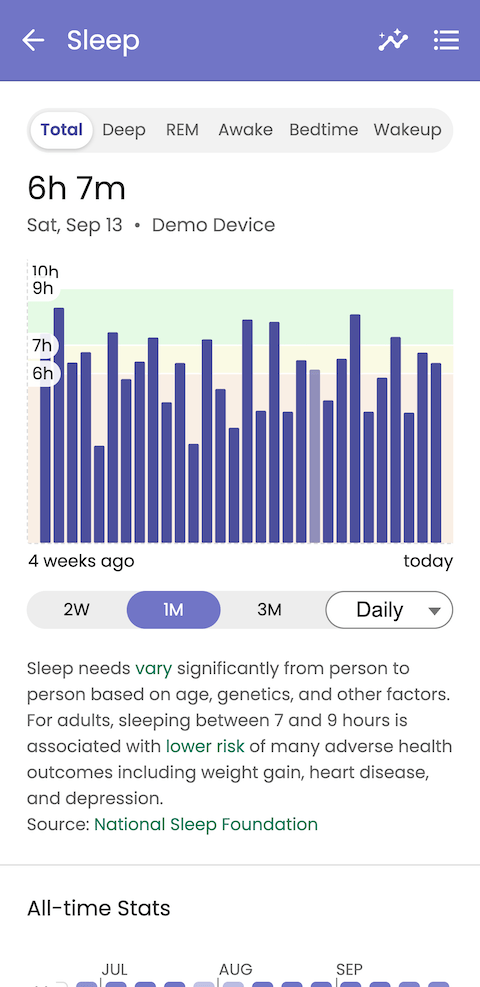
Guava integrates with wearable device data from Oura, Whoop, Apple Health, Health Connect, Withings, Dexcom, and many other health-monitoring devices, so patients can see all their wearable data in one centralized place. This data is aggregated and used to uncover insights and correlations. Check out the full list of supported health devices and systems.
Secure Messaging
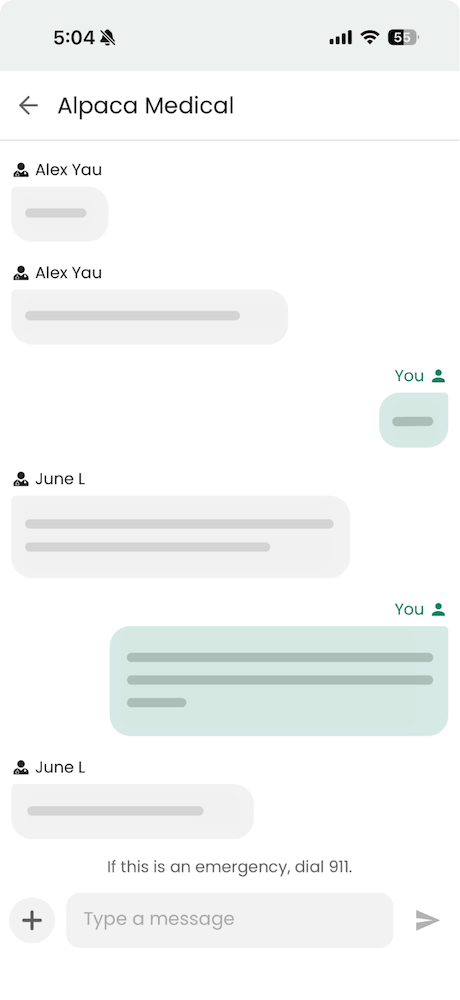
Patients can communicate directly with your care team through the app, reducing phone tag and keeping conversations documented. Images and document uploads are also supported in messaging to allow easy information exchange. Messaging is optional, so if your practice uses another mode of communication, this might not be relevant.
Symptom & Medication Tracking
Patients can log symptoms and medications over time, giving you a clearer picture of what’s happening between visits and making appointments more productive.
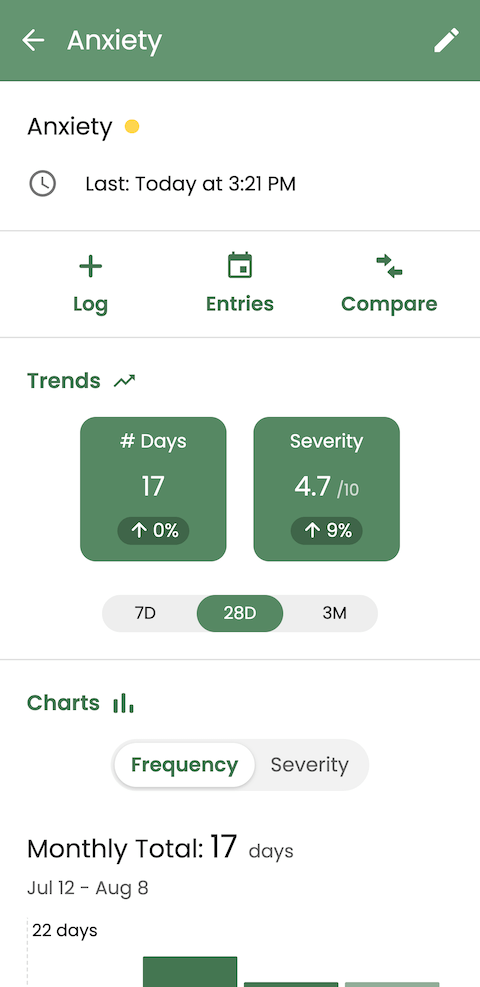
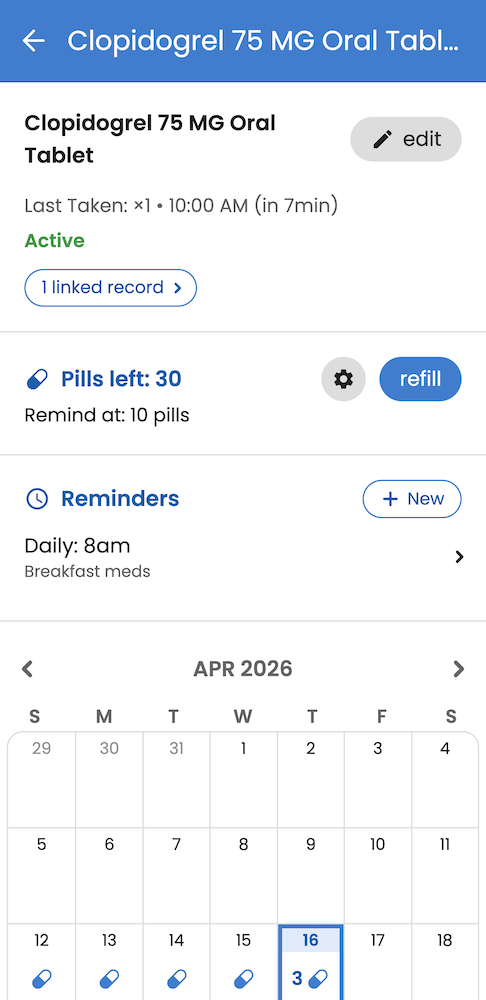
Here are a couple of smaller related features that might be worth mentioning, depending on the patient:
- The body heat map allows you to track symptom location and how it changes over time
- You can set up medication reminders and get notified about refills when they’re running low
- You can log custom factors and other activity types, like screentime, meditation, or physical therapy
Personalized Insights
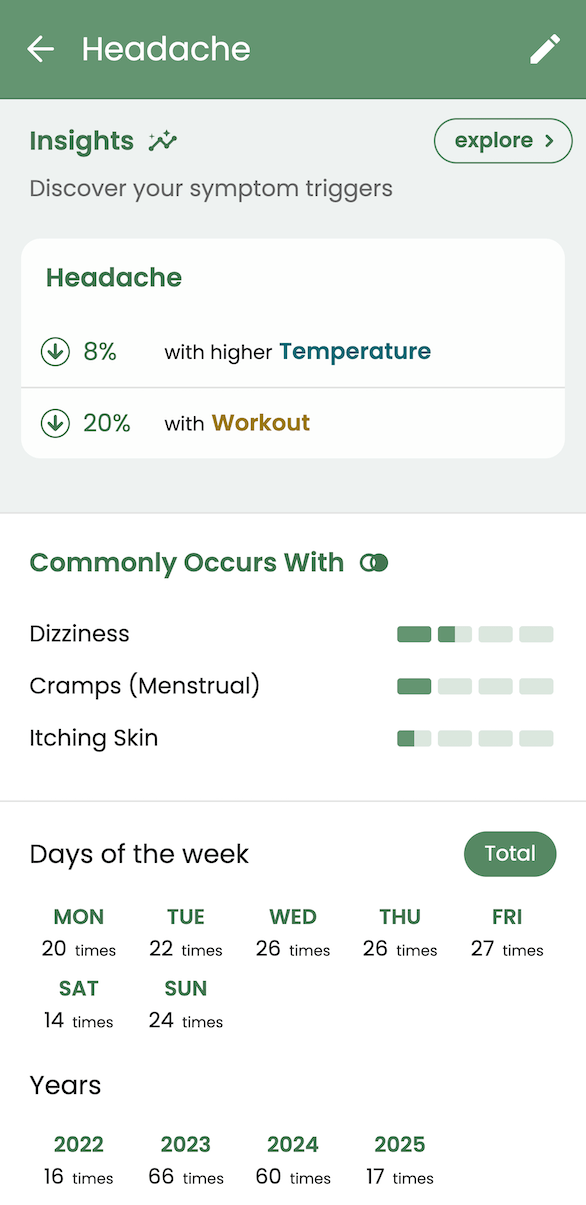
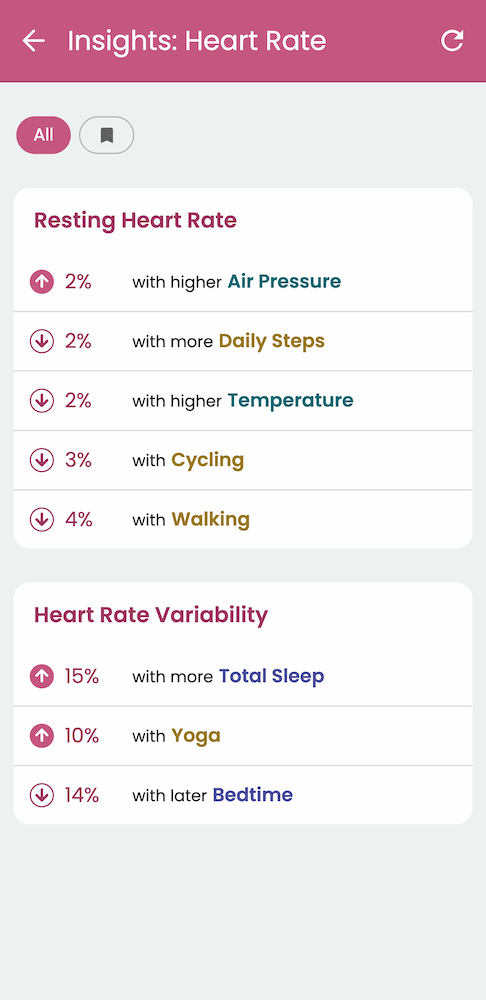
Guava highlights patterns and relationships in patient data, helping patients better understand how their habits, symptoms, and health metrics are connected. Insights can help answer questions like “Does this new medication affect my sleep?” or “Does eating more protein help lower daytime fatigue?”
The Bottom Line
These are just a few examples of how your patients might find Guava useful, but there are plenty of other features that your patients might discover along the way. Examples of smaller features like this are cycle tracking or AI photo food logging. However, while your patients are just getting started, it’s best to introduce them to the core features that will serve the needs of both your practice and the patient as an individual. For some, it may be best to start with viewing labs and wearable data, while others may want to jump straight into symptom tracking and using the Visit Prep feature. To get started, share the Guava app with your patients at their next visit and let them explore the features that matter most to them.
Check out this article to learn more about how to introduce Guava to your patients and get your practice set up on the Provider Dashboard.